- May 28, 2026
- |Locksmith Services, Smart Locks
- | 0
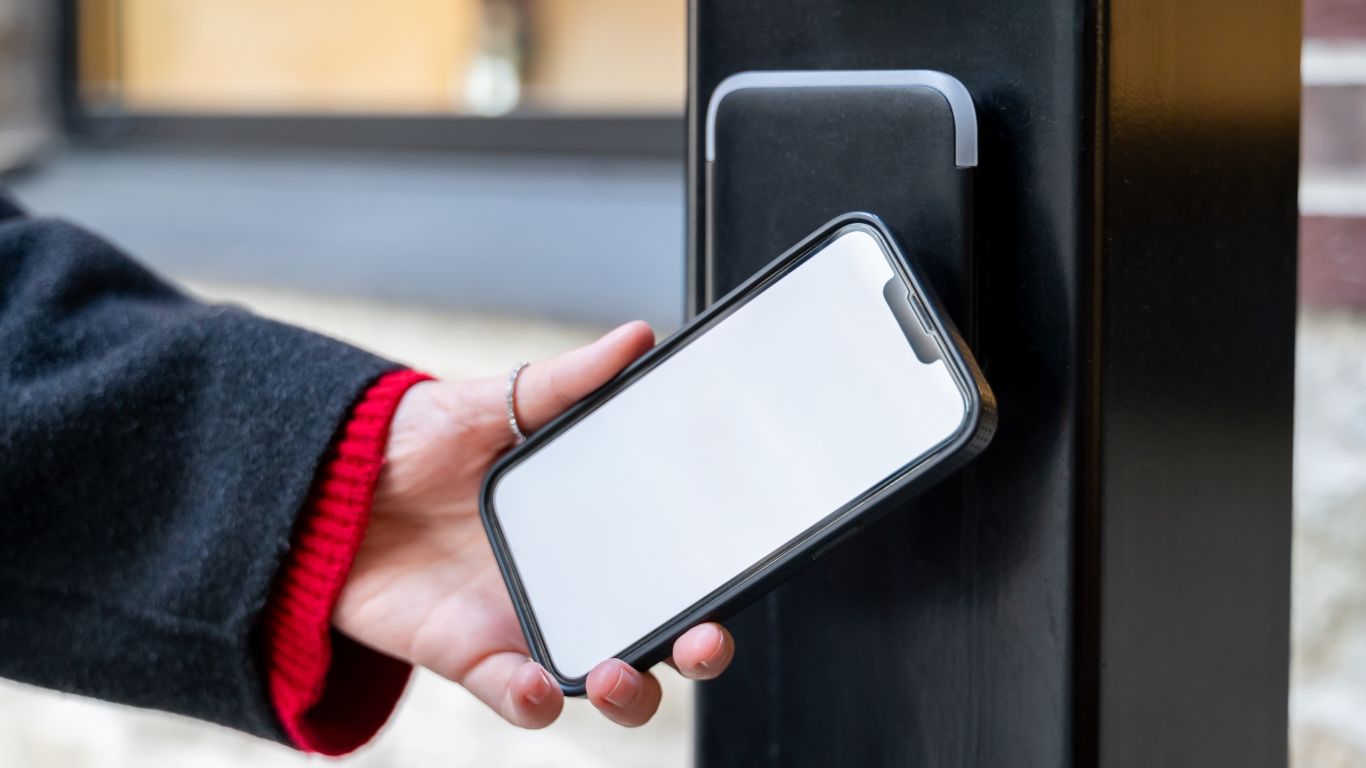
It’s the question every homeowner should consider before they buy: Can a smart lock actually be hacked?
The short answer is yes, in theory, but in practice, the risks are different from what you might imagine. The dramatised version we’ve seen in movies, that of a stranger remotely cracking a smart lock from a laptop in a basement, is unlikely. The realistic ones are more mundane: weak passwords, compromised email accounts, badly secured home Wi-Fi, and old firmware that never gets updated.
The good news is that Australia now has a regulatory framework specifically designed to address these risks. The Cyber Security (Security Standards for Smart Devices) Rules 2025 took effect on 4 March 2026, introducing mandatory minimum security standards for most consumer smart devices sold in Australia, including smart locks.
For the first time, manufacturers can’t legally ship cheap devices with generic default passwords or no plan to issue security updates.
This post explains the genuine risks, sets out the new rules in plain English, and walks through the practical steps you can take to make a smart lock about as safe as the locks on the doors around it. We’re going to draw on guidance from the Australian Cyber Security Centre and the Department of Home Affairs.
Let’s dive in.
How smart locks actually get attacked
Most “smart lock hacks” you read about don’t involve attacking the lock itself. They take a different path. The realistic threats fall into four categories.
1. Compromised app accounts
Your smart lock is controlled through an app, which means it’s controlled through the account behind that app. If your password is weak, reused from another site that’s been breached, or harvested through a phishing email, an attacker doesn’t need to “hack” the lock. They just log in. This is by far the most common real-world attack on smart home devices.
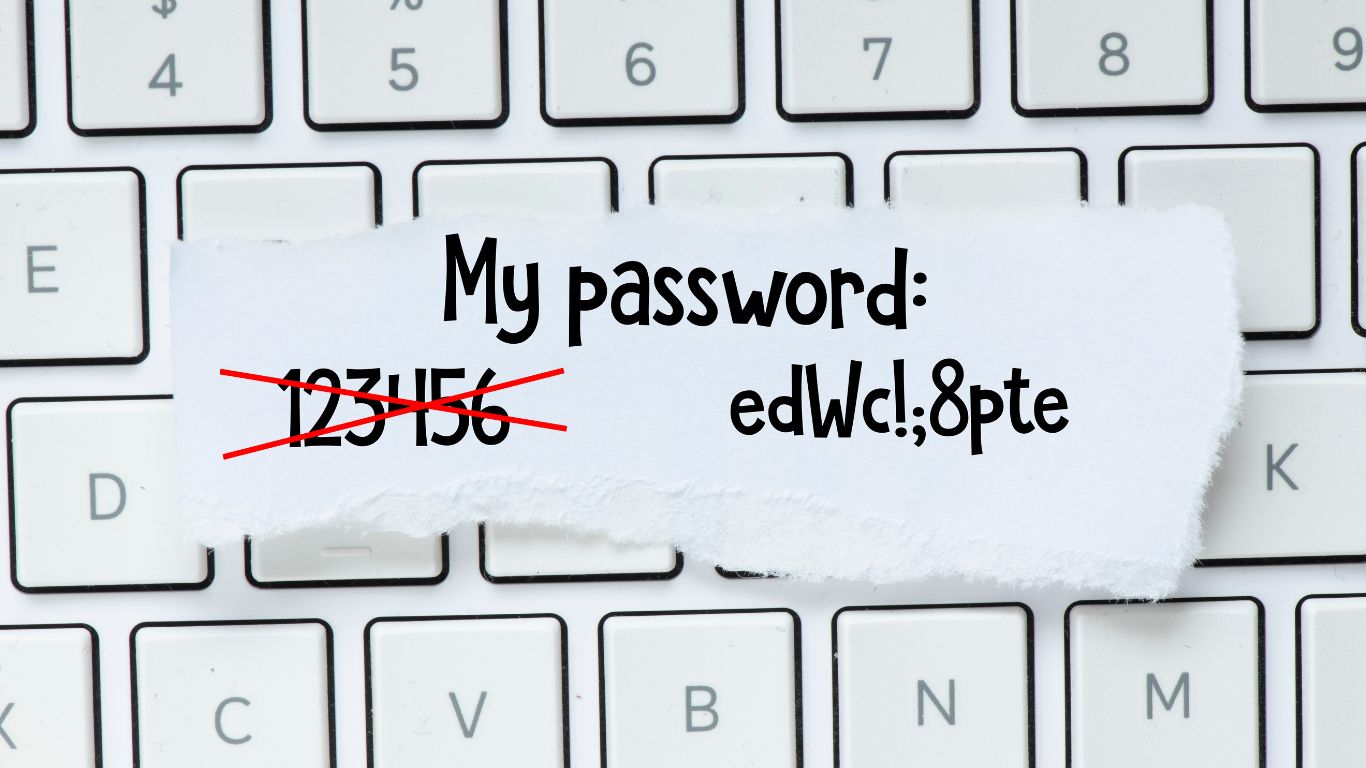
2. Insecure home Wi-Fi
A smart lock is one device on your home network. If the network itself is poorly secured (default router password left unchanged, outdated firmware, an open guest network), an attacker who gains access to the network can probe everything attached to it. The Australian Cyber Security Centre recommends running a separate Wi-Fi network for IoT devices as one of the most effective things you can do.
3. Out-of-date firmware
Like any computer, a smart lock runs software. When manufacturers find vulnerabilities, they patch them by issuing updates. A lock that hasn’t been updated for two years is running with whatever holes have been discovered in the meantime. This is why a manufacturer’s commitment to updates matters more than any single feature on the spec sheet.
4. The lock or device itself
True hardware or protocol attacks on a smart lock (intercepting Bluetooth signals, exploiting a flaw in the lock’s chip) exist but require proximity, skill, and equipment. They’re not the typical Melbourne break-in. Opportunistic burglars don’t carry signal interceptors; they look for unlocked back doors and open windows.
👉 How to tell if a lock has been tampered with
Australia’s new smart device security rules, explained
From 4 March 2026, most smart devices manufactured for the Australian consumer market, including smart locks, must meet three mandatory minimum standards. These come from the Cyber Security (Security Standards for Smart Devices) Rules 2025, made under the Cyber Security Act 2024.
In plain English, the three rules are:
- No generic default passwords. Devices can’t be shipped with a shared password like “admin” or “0000.” Each unit must have a unique password from the factory, or require the owner to set one before use.
- A public vulnerability disclosure process. Manufacturers must publish a clear way for researchers and users to report security flaws, so they can be fixed rather than left unaddressed.
- A defined security update period. Manufacturers must publicly state the minimum length of time a device will receive security updates and support. No more “buy now, abandoned in six months.”
Devices that meet the standards come with a Statement of Compliance, which is the document you can ask for or look up before buying. The framework is closely aligned with the international ETSI EN 303 645 standard, which is the global baseline for IoT cyber security.
Two important caveats.
- First, the rules apply to devices manufactured on or after 4 March 2026. A smart lock made in 2024 isn’t required to comply, which is a real consideration when you’re looking at clearance stock or older models still on sale.
- Second, the rules set a minimum, not a ceiling. A device that just scrapes the requirements isn’t automatically the most secure choice.
How big is the actual risk?
This is where it’s worth being honest. For a typical Melbourne home with a properly chosen and properly set up smart lock, the cyber risk is low and the convenience benefit is high.
Most break-ins remain opportunistic, physical, and focused on unlocked back doors, dodgy window latches, and forced entry to easier-looking properties down the street.
The cyber attack surface of a smart lock is real, but it’s manageable, and most of the management is the same boring-but-effective advice that applies to your email and banking: strong unique passwords, two-factor authentication, software updates installed promptly, and a healthy scepticism about emails asking you to verify things.
The risk goes up if any of these apply:
- You’re using a very cheap, no-name smart lock with no manufacturer behind it.
- You haven’t changed the default password on your home router in years.
- You reuse the same password across multiple accounts, including your smart home app.
- You don’t update your phone, your lock app, or your router firmware.
- You manage rental properties or short-term lets and share access codes loosely.
If two or more of those describe your setup, the cyber risk meaningfully outpaces the physical risk, and the fixes below are worth working through.
A practical checklist: how to lock down a smart lock
Most of this checklist is drawn from the Australian Cyber Security Centre’s own IoT advice, with the smart lock specifics filled in.
| Step | What to do | Why it matters |
|---|---|---|
| Buy from a reputable manufacturer | Choose a brand with an active Australian presence, a clear support process, and a published update commitment | The single biggest predictor of long-term security is whether the manufacturer is still issuing patches in five years |
| Check the Statement of Compliance | For devices made after 4 March 2026, look for the Statement of Compliance confirming the lock meets the Australian smart device rules | Confirms the device meets the new minimum cyber security standards, including password and update requirements |
| Use a strong, unique password for the app account | Don’t reuse a password from another service; use a long passphrase or a password manager | App account compromise is the single most common path to a “hacked” smart lock |
| Turn on multi-factor authentication | If the app offers 2-step verification (also called 2FA or MFA), enable it | Adds a second barrier even if your password is stolen |
| Secure your home Wi-Fi | Change the default router admin password, use WPA2 or WPA3, and set up a separate Wi-Fi network for IoT devices | A poorly secured home network puts every device on it at risk, not just the lock |
| Install updates promptly | Turn on automatic updates for the lock app and the lock firmware where possible; otherwise check monthly | Manufacturers patch vulnerabilities through updates; an unpatched lock is the version with the known flaws still in it |
| Be careful with shared access codes | Use unique temporary codes for cleaners, tradies, and guests, and delete them when no longer needed | Shared codes that linger forever are a soft underbelly of any keypad-based lock |
| Watch for phishing | Treat any email or SMS asking you to “verify” your smart home account or reset its password with suspicion. Go to the app directly | Social engineering is the most likely path to a compromised account, by a wide margin |
| Don’t ignore the physical side | A mechanical key override, a quality strike, and a properly aligned door still matter | Most break-ins are still physical; cyber security on a poorly installed lock doesn’t help |
What about Bluetooth-only locks?
A Bluetooth-only smart lock has no internet connection, which removes a big chunk of the remote attack surface. There’s nothing for a distant attacker to log into, because the lock isn’t reachable from anywhere except the phone in your pocket. That’s a genuine advantage if you don’t need remote access.
It doesn’t make a Bluetooth lock immune to all attacks; proximity-based attacks on Bluetooth exist, and the app account is still a potential weak point if it syncs through the cloud, but it does narrow the threat model significantly. If your priority is “secure, simple, no internet involved,” a Bluetooth-only lock from a reputable manufacturer is a defensible choice.
The convenience side: don’t let perfect be the enemy of good
It’s worth saying clearly: a properly chosen smart lock, set up with the basic precautions above, is meaningfully more secure than a traditional key for many households. Keys get lost. Keys get copied without your knowledge. Keys get left under doormats. Keys hang on hooks in unlocked cars. A smart lock with a unique PIN, multi-factor authentication, and the ability to revoke access instantly closes several real-world security gaps that a traditional key opens.
The honest framing is that smart locks change the security trade-offs rather than worsening them. Some risks go down (lost keys, unauthorised copies, no audit trail of who entered when). Some risks shift (account compromise, firmware vulnerabilities). The net position for most homeowners, with the practical steps above in place, is positive.
VicLocks for smart lock advice in Kew and greater Melbourne
VicLocks helps homeowners across Kew and greater Melbourne choose, fit, and set up smart locks that suit their doors and their household. We can talk through the realistic security trade-offs in plain language, recommend models with strong manufacturer support, fit them so the physical side is sound, and walk through the basic account and network setup so you’re not leaving obvious gaps.
If you’ve inherited a smart lock with a previous owner’s account, or aren’t sure how to lock it down, a quick consultation is better than a guess.
Contact VicLocks today on 0418 397 297 to talk through a smart lock for your home.
Frequently Asked Questions
Can a smart lock really be hacked from the street?
It's possible in theory, but very rare in practice. Most real-world attacks on smart locks come through the app account or the home network, not by attacking the lock directly. A properly chosen lock from a reputable manufacturer, paired with a strong, unique password and multi-factor authentication on the app, is well-defended against the realistic threats.
Is a smart lock more or less secure than a traditional key?
It depends on the lock and how it's set up. Smart locks remove some risks (lost or copied keys, no audit trail, codes that can't be revoked) and add others (account compromise, firmware vulnerabilities). With basic precautions in place, the net position for most households is favourable. The physical install still matters as much as the digital setup.
What does the new 4 March 2026 rule actually require?
The Cyber Security (Security Standards for Smart Devices) Rules 2025 require most consumer smart devices manufactured on or after 4 March 2026 to meet three minimum standards: no generic default passwords, a public vulnerability disclosure process, and a published minimum support period for security updates. Compliant devices come with a Statement of Compliance.
What's the single most important thing I can do to secure a smart lock?
Do I really need a separate Wi-Fi network for my smart devices?
The Australian Cyber Security Centre recommends it, and it's worth doing if your router supports a guest network or a separate IoT network. The point is to keep the lock and other smart devices off the same network as your laptop and phone, so a compromise of one doesn't expose the other.
Where can I get a smart lock fitted and set up in Melbourne?
VicLocks installs smart locks across Kew and greater Melbourne, including the physical fit, basic account setup, and a plain-English walkthrough of the security steps that matter. We're a fully licensed Victorian locksmith, and we provide a clear quote before any work begins. Call 0418 397 297 or contact us through the website (https://viclocks.com.au/contacts/) to book.